
Savills Vietnam
Did You Know?
Ask us anything here
Q:
How to update new department heads on Website?
Resolved
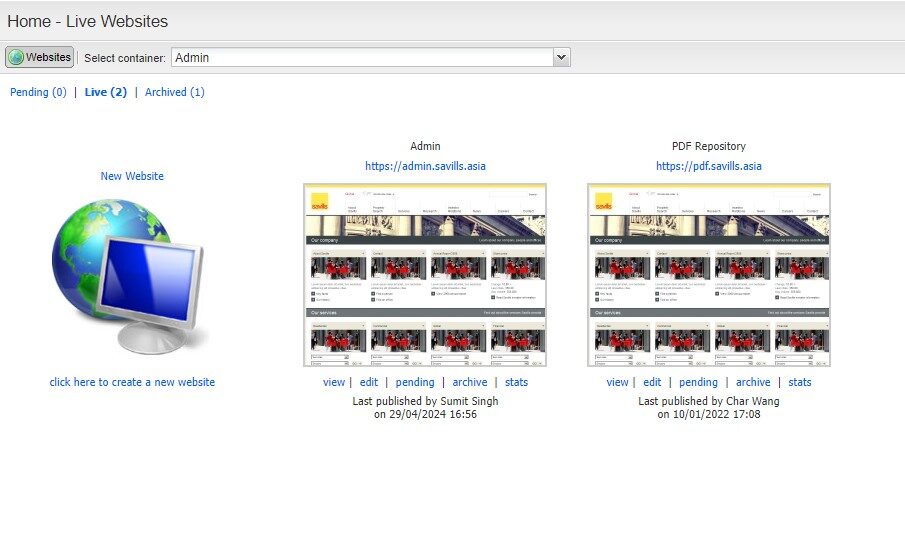
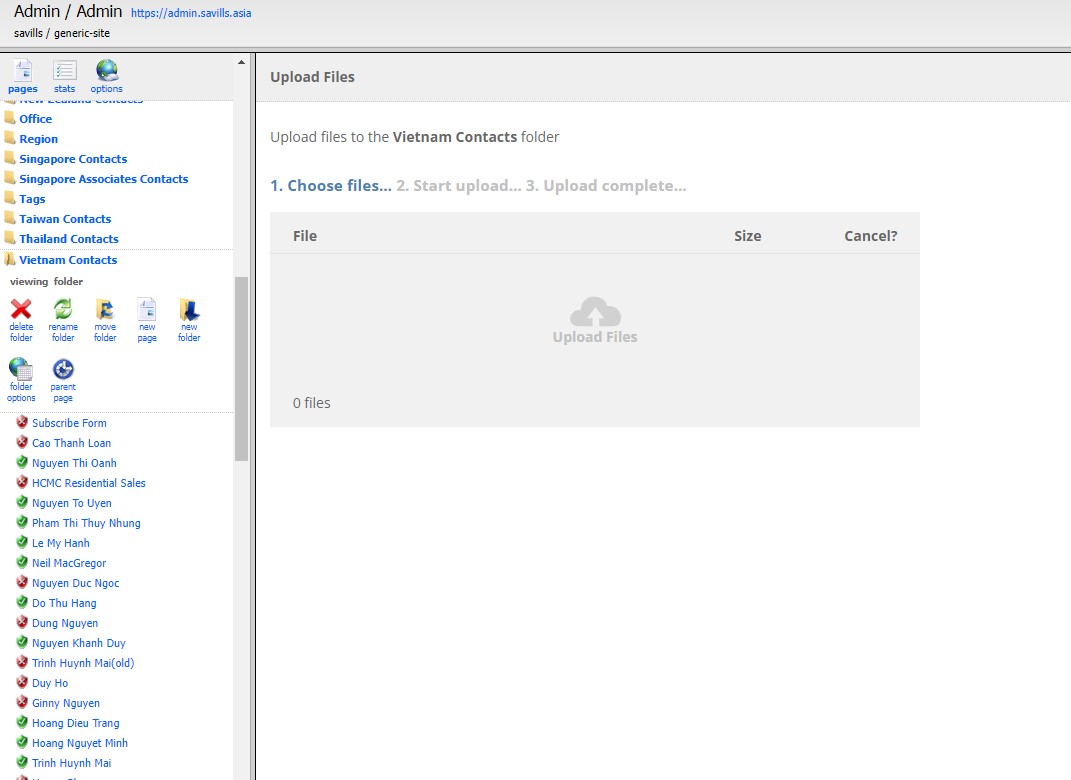
- Open folder Vietnam Content on left sidebar
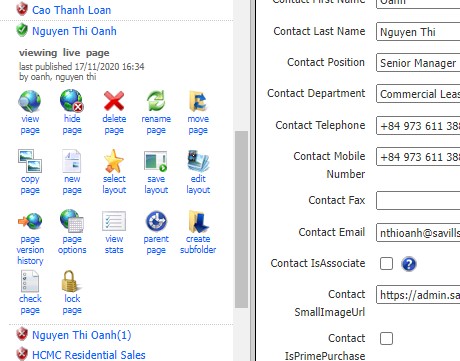
- Click on an active contacts > copy page to set a new contact
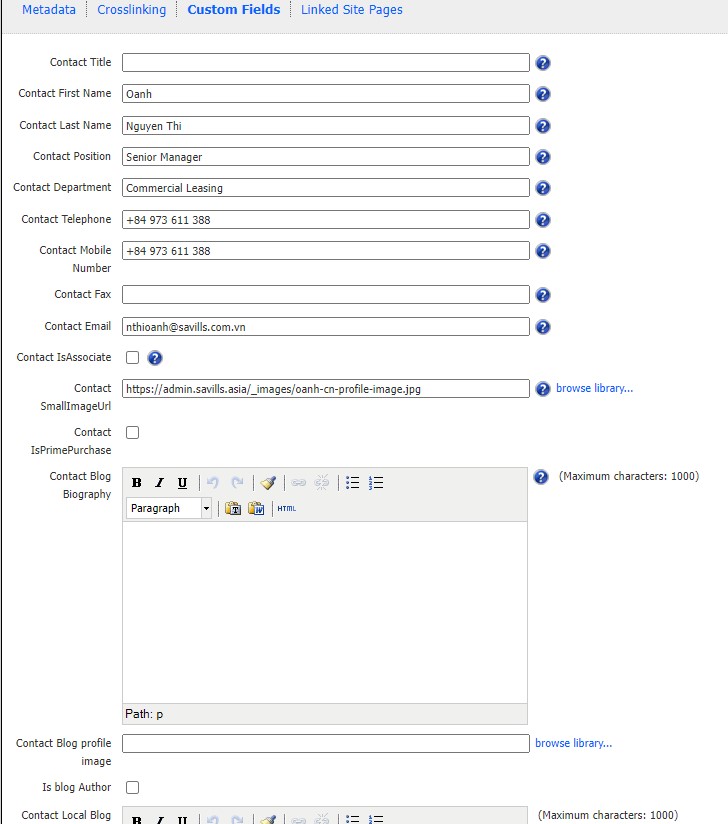
- Rename page, input all information ( please follow an active user, filled fields are all important)
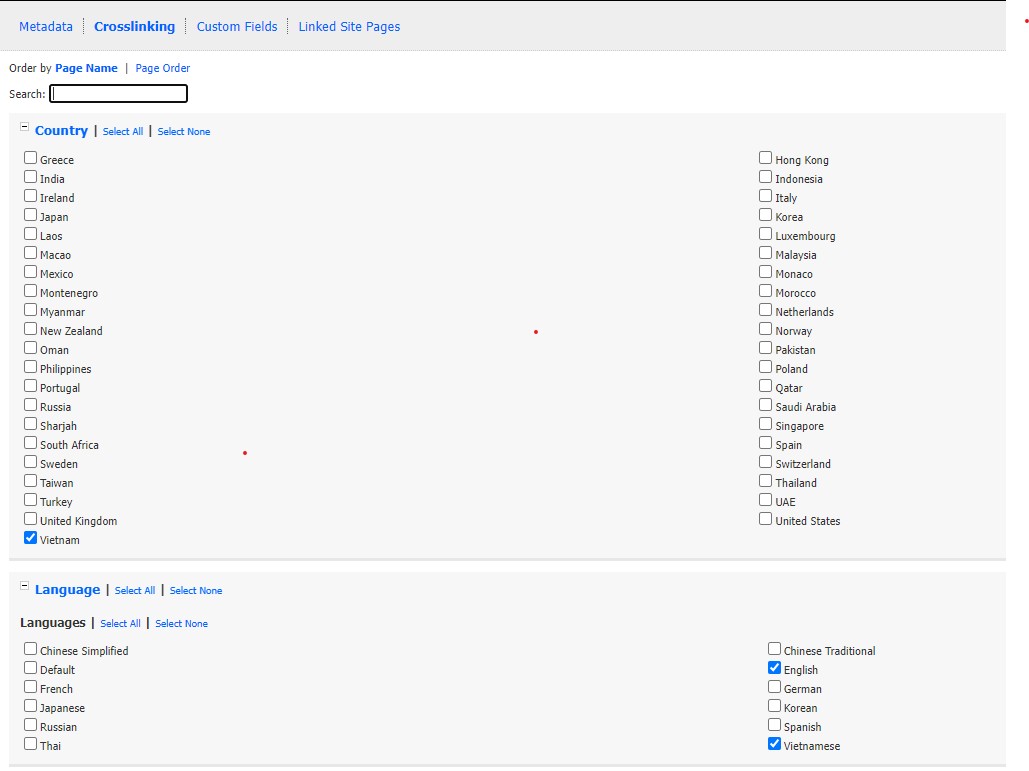
- On tab Crosslinking, Tick all necessary fields ( please follow an active user, Language and Country are required)
Attachments:
You must be
logged in to view attached files.
- You must be logged in to reply to this topic.